See What kikuflow
Can Do for You
From expense approvals to customer service, AI colleagues help your team save time, reduce errors, and move faster at every step.
Make AI part of your team
We transform the most tedious and error-prone processes into the smoothest and smartest automated workflows.
Expense Reimbursement Process
Employees submit expense forms, which are approved by direct supervisors. AI then categorizes expenses by accounting codes, followed by finance department approval, significantly reducing manual entry time and error rates for accounting staff.
Employee Submits Form
Supervisor Approval
AI Account Classification
Finance Dept. Approval
Employee Expense Application Form
Not just a process tool, but your AI Operations Analyst
When your daily operations are all on the system, every action leaves valuable digital footprints. Our AI agents are not just process executors, but can respond to your queries anytime, transforming complex data into clear business insights.
More amazing breakthrough features
We don't just solve current problems, but provide power for your future growth.
I need an expense reimbursement workflow
What approval levels do you need for your expense reimbursement workflow?
I need direct manager and finance department approval
Expense Reimbursement Workflow
Submit Request
(Applicant)
Manager Approval
(Direct Manager)
Finance Approval
(Finance Department)
Payment Processed
(Cashier)
Workflow created! You can now start using this expense reimbursement process.
AI Business Consultant
Still worried about how to design processes? Just talk! Tell AI your needs, and it will automatically plan and build the most suitable processes and forms for you, saving weeks of research and setup time.

AI Task Processing
Let AI agents handle repetitive tasks for you, such as: expense approvals, complaint case classification, anomaly analysis, and even automatically drafting initial customer service responses.

External Process Initiation
Directly publish your recruitment processes and complaint forms externally! Let customers and applicants fill them out directly, with data automatically entering internal processing workflows—no more copying and pasting from Google Forms.
Real-World Use Cases
A few real examples of how kikuflow changes the way teams work.
No more waiting for the manager — AI routes every lead automatically
Every new lead meant the manager personally reading it, judging the deal size and needs, then messaging the right rep on Line or email. The moment the manager was in a meeting or traveling, leads just piled up — reps waiting, customers waiting.

The manager writes the routing rules into an AI node once. After that, every form submission is automatically analyzed — deal size, needs, industry — and routed to the right rep instantly. The manager never has to be the middleman again.

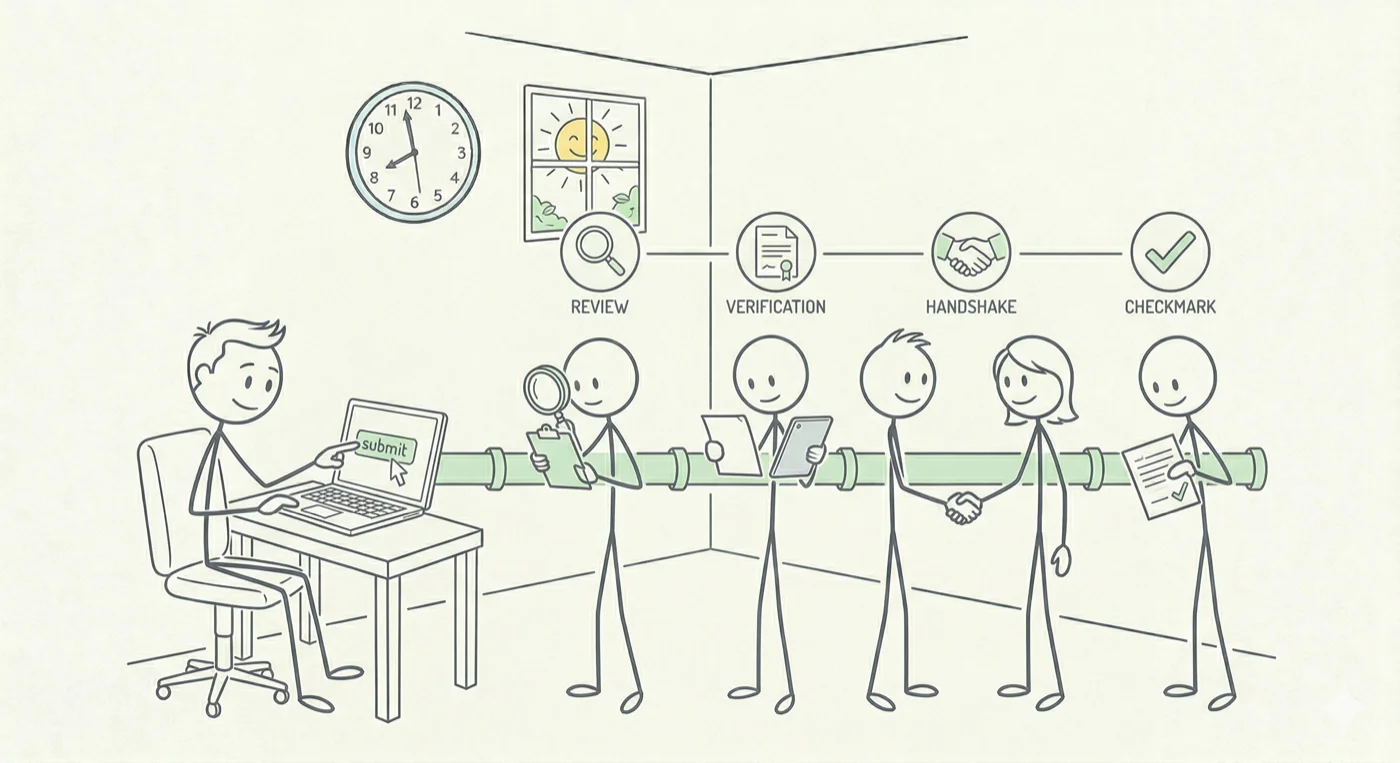
Let applicants and customers trigger workflows themselves — nothing disappears
Job applicants sent emails. Customers filled in website contact forms. Everything landed in a shared inbox — whether anyone followed up was pure luck. Managers had no visibility into what was being handled and what was silently dropped.

Build a hiring or complaint workflow in kikuflow and share the public link. Once someone submits, the process moves step by step — HR review, manager screening, interview, decision. Every stage is visible. Nothing gets quietly buried.
Set it up once — never chase weekly reports again
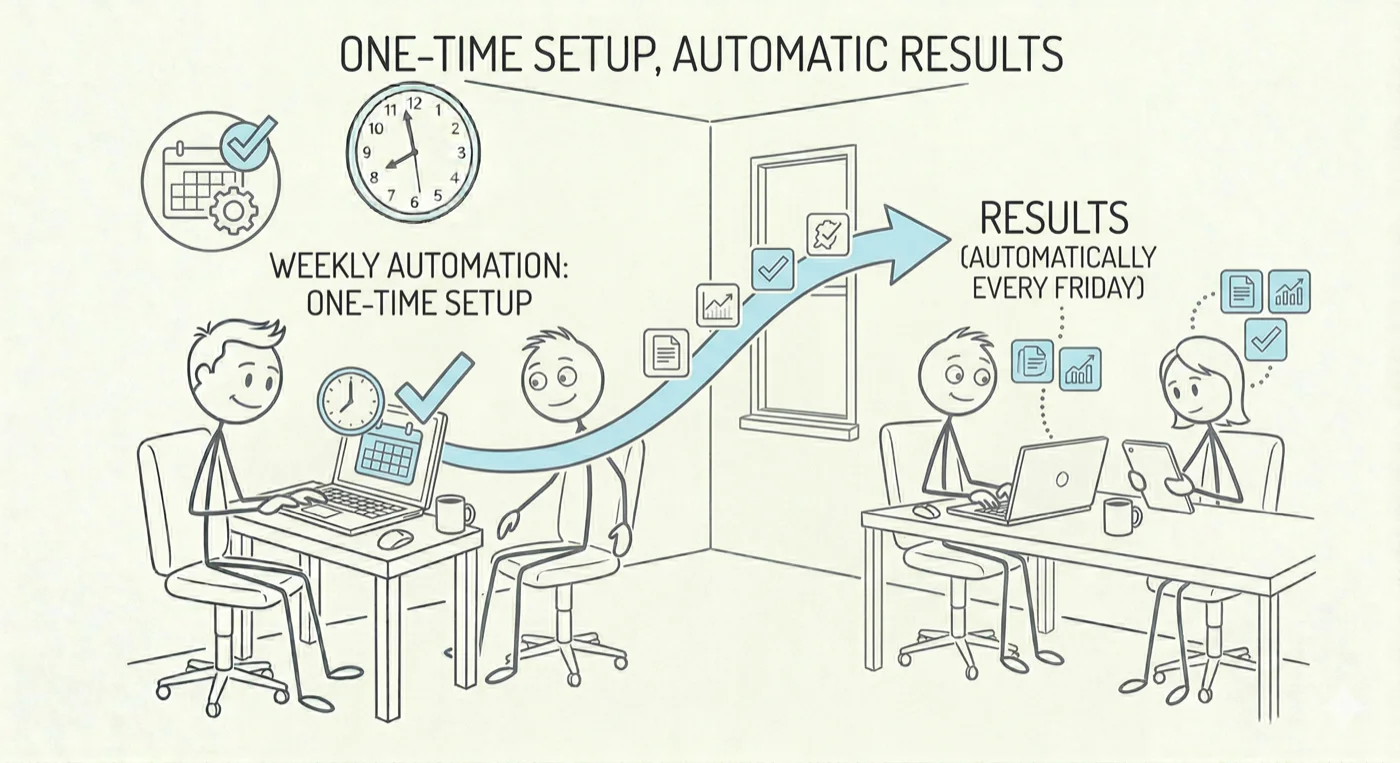
Every Friday, someone had to remember to chase the whole team for weekly reports. But the reminder person might forget too — then it's Monday chasing, Tuesday still nagging, every week the same story.

Go to kikuflow's Recurring Reminders and set up a workflow with your preferred schedule. Once configured, every Friday the system automatically kicks it off — "Fill in Weekly Report" appears in everyone's task list. You set it up once, and never have to remember or chase again.
See It in Action
Follow this scenario to feel how kikuflow makes workflows run themselves.